
Run your algo on funded capital
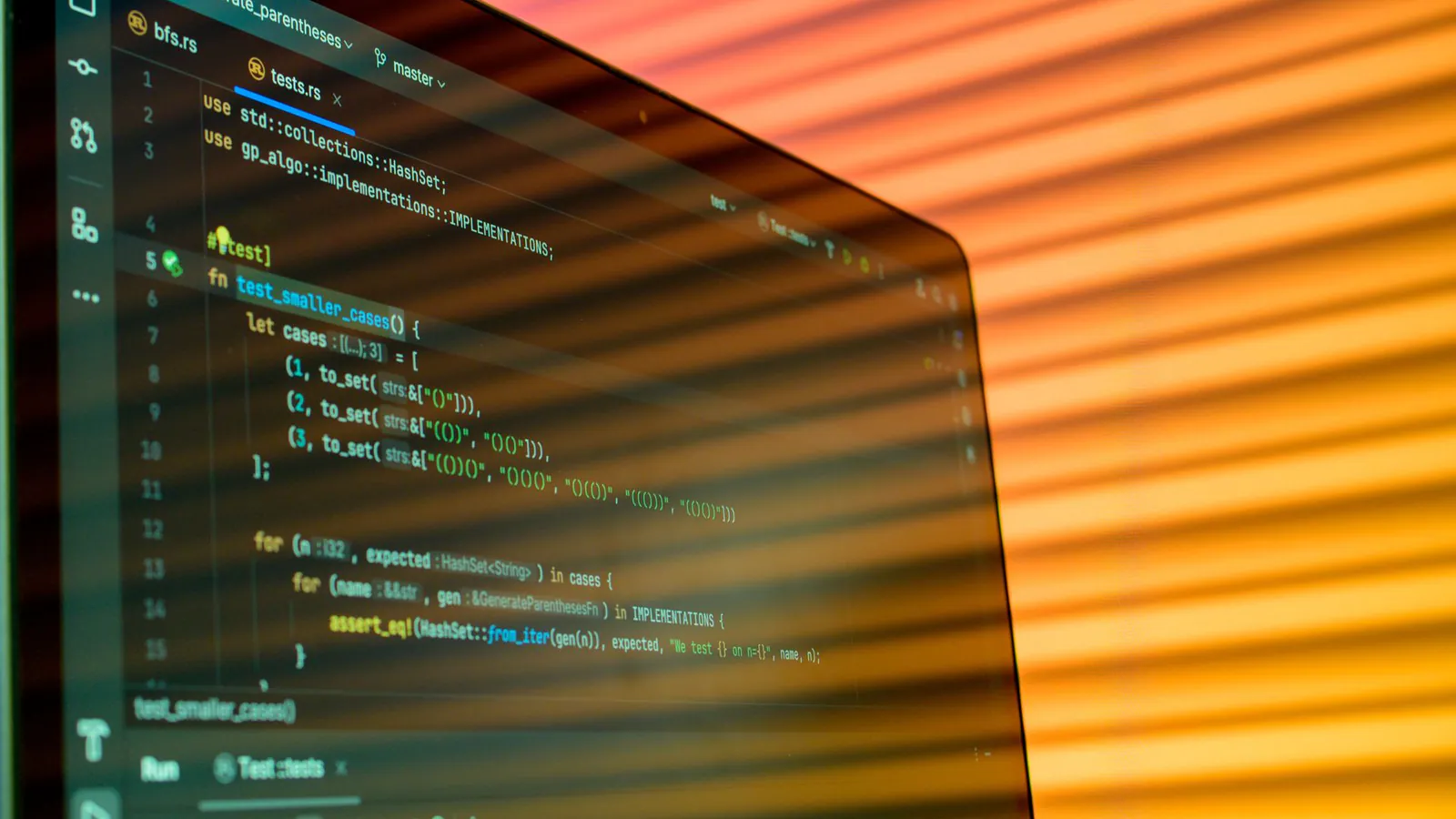
Explore algo and apiPine Script is the programming language built into TradingView for writing your own indicators and trading strategies. It runs on TradingView's servers, on the price data of whatever chart you open.
This Pine Script tutorial covers indicators versus strategies, a complete strategy with a stop and target, the strategy tester and its pitfalls, and how alerts and webhooks carry a TradingView strategy toward automated execution through an API, the last step into algorithmic trading.
Quick answer: Pine Script is TradingView's own scripting language for building custom indicators and backtestable strategies. The current version is Pine Script v6. Indicators calculate and plot values, while strategies also simulate orders in the strategy tester. Alerts and webhooks can send strategy signals to an external server, which a trader can connect to a broker or platform API.
Highlights of this article
- Pine Script is TradingView's built-in language; v6 is the current version and the docs cover migration from v5
- An indicator plots values; a strategy places simulated orders and produces a backtest report
- A full moving average crossover strategy with a stop loss and take profit fits in about 30 lines
- The strategy tester fills orders on the next available tick by default, and repainting or lookahead can make results look better than reality
- TradingView webhooks POST your alert message to a URL you control, which is how a strategy reaches an execution API
- Velotrade allows bots and API trading on every account through DXtrade, but it does not document a built-in TradingView connection, so you build the bridge yourself
Pine Script: key facts
| Item | Detail |
|---|---|
| What it is | TradingView's scripting language for indicators and strategies |
| Current version | Pine Script v6, declared with //@version=6 on the first line |
| Where it runs | On TradingView's servers, on the data of the chart it is applied to |
| Script types | Indicators, strategies and libraries |
| Backtesting | Strategies run through a broker emulator and appear in the strategy tester |
| Alerts | alert() and order fill alerts work in strategies; alertcondition() works in indicators only |
| Webhooks | Alerts can POST their message to a URL on port 80 or 443; requests taking over 3 seconds are cancelled |
| Main pitfalls | Repainting, lookahead bias, missing costs and overfitting |
What is Pine Script?
Pine Script is a domain-specific language TradingView created so traders could build tools without managing data feeds or servers. You write code in the Pine Editor below a chart, and the script runs once on every historical bar, then on each real-time update.
That execution model is the key idea. TradingView runs your code bar by bar, oldest to newest, and built-in variables like close and volume refer to the bar being processed. close[1] is the previous bar's close.
The current version is v6. TradingView's migration guide lists the changes that affect v5 scripts, including no implicit casting of numbers to booleans, lazy evaluation of and and or, removal of the when parameter from strategy.*() functions, and a default strategy margin of 100%. The Pine Editor converts many v5 scripts automatically.
What is the difference between a Pine Script indicator and a strategy?
Every script starts with a declaration that tells TradingView what kind of script it is.
| Indicator | Strategy | |
|---|---|---|
| Declaration | indicator() |
strategy() |
| Purpose | Calculate and display values | Simulate trades and measure performance |
| Places orders | No | Yes, simulated through the broker emulator |
| Output | Plots, shapes, labels, colours | Plots plus a strategy tester report |
| Alerts | alert() and alertcondition() |
alert() and order fill alerts |
| Typical use | Custom oscillators, signals, overlays | Backtesting a complete rule set |
Use an indicator to see something, such as a custom moving average or RSI variant. Use a strategy to find out whether a rule set would have made money.

How do you write a Pine Script strategy? A complete example
This full Pine Script v6 strategy goes long when a 20-period EMA crosses above a 50-period EMA, with a stop 1.5% below entry, a target 3% above, and an early exit if the averages cross back. It is a teaching example, not a recommended system.
//@version=6
//@strategy_alert_message {"action":"{{strategy.order.action}}","position":{{strategy.position_size}},"ticker":"{{ticker}}","price":{{strategy.order.price}}}
strategy("MA crossover with stop and target", overlay = true,
     initial_capital = 10000,
     default_qty_type = strategy.percent_of_equity, default_qty_value = 50,
     commission_type = strategy.commission.percent, commission_value = 0.05,
     slippage = 2)

// Inputs the user can change in the settings panel
fastLen   = input.int(20, "Fast EMA length", minval = 1)
slowLen   = input.int(50, "Slow EMA length", minval = 2)
stopPct   = input.float(1.5, "Stop loss %", step = 0.1) / 100
targetPct = input.float(3.0, "Take profit %", step = 0.1) / 100

// Signals
fastMa = ta.ema(close, fastLen)
slowMa = ta.ema(close, slowLen)
longSignal = ta.crossover(fastMa, slowMa)
exitSignal = ta.crossunder(fastMa, slowMa)

// Entry
if longSignal and strategy.position_size == 0
    strategy.entry("Long", strategy.long)

// Protective exit: stop and target from the average entry price
if strategy.position_size > 0
    entryPrice = strategy.position_avg_price
    strategy.exit("Stop/Target", "Long", stop = entryPrice * (1 - stopPct), limit = entryPrice * (1 + targetPct))

// Signal exit
if exitSignal
    strategy.close("Long")

plot(fastMa, "Fast EMA", color.teal)
plot(slowMa, "Slow EMA", color.orange)
What each block does:
strategy(): sets 10,000 starting capital, 50% of equity per entry, 0.05% commission and 2 ticks of slippage. Use your real costs; the default commission is zero.- Inputs:
input.int()andinput.float()expose lengths and percentages in the settings panel. - Signals:
ta.crossover()andta.crossunder()return true on the crossing bar, the logic behind the golden cross at faster lengths. - Entry and exits:
strategy.entry()opens a long only when flat,strategy.exit()attaches a stop loss and limit target fromstrategy.position_avg_price, andstrategy.close()exits on a reverse cross. - Alert message:
//@strategy_alert_messagesets the default order fill alert text. Once TradingView fills the placeholders it is valid JSON, so a webhook sends it asapplication/json.
If you plan to trade crypto on Velotrade, test on KuCoin perpetual charts such as BTCUSDT.P, since Velotrade crypto prices track the matching KuCoin USDT perpetuals.
Worked example: what this strategy risks on a funded account
Sizing has to fit the account you will trade. Take one trade from the script on a 10,000 account.
| Step | Calculation | Result |
|---|---|---|
| Position size | 50% of 10,000 equity | 5,000 notional |
| Entry | BTC long at 60,000 | 0.0833 BTC |
| Stop loss | 60,000 x (1 - 0.015) | 59,100 |
| Take profit | 60,000 x (1 + 0.03) | 61,800 |
| Loss if stopped | 5,000 x 1.5% | 75, or 0.75% of the account |
| Gain if target hit | 5,000 x 3% | 150, or 1.5% of the account |
Now compare that loss with real evaluation limits. On a Velotrade CLASSIC 2-Step 10,000 account, the daily loss limit is 5%, recalculated each day at 00:30 UTC from the higher of balance or equity, so roughly 500 on a day that starts at 10,000. The static maximum drawdown is 10%, a fixed floor at 9,000 that never moves. At 75 per stop, the strategy could take about 6 full losses in a day before the daily limit, ignoring costs.
On a PRO 1-Step 10,000 account, the daily loss limit and static maximum drawdown are both 3%, so the floor is 9,700 and 4 consecutive full stops reach it. Same code, very different survival odds. See static maximum drawdown explained for why a fixed floor is simple to code against.
How does the TradingView strategy tester work?
The strategy tester shows net profit, maximum drawdown, profit factor, win rate and a trade list. Behind it, TradingView's broker emulator fills orders using only chart data. Three defaults shape every result:
- Next-tick fills. A strategy calculates at bar close by default, so a signal on bar 20 fills at the open of bar 21. Options like
process_orders_on_closeorcalc_on_every_tickchange this and can introduce repainting. - Zero costs unless set. With no commission specified, none is applied.
- Assumed intrabar paths. Historical bars only carry open, high, low and close, so when a stop and target sit inside one bar, the emulator has to assume which hit first.
The tester is a filter, not a forecast. For out-of-sample testing and the rest of the method, see backtesting trading strategies.
What are repainting and lookahead bias in Pine Script?
These are the two most common reasons a strategy shines historically and disappoints live.
Repainting means a script behaves differently on historical and real-time bars. On the live bar close changes every tick, so a crossover can appear and vanish before the bar closes. TradingView suggests adding barstate.isconfirmed to signals, or using values from a closed bar.
Lookahead bias means using data the strategy could not have known. TradingView's docs call request.security() with lookahead = barmerge.lookahead_on and no [1] offset a future leak. The documented non-repainting pattern offsets the requested expression by one bar and uses barmerge.lookahead_on.
Overfitting is the third trap. Test 200 parameter combinations and keep the best, and part of the result is luck. Harvey, Liu and Zhu's work on multiple testing argues findings need a much higher statistical bar once many variations are tried. Use few parameters and keep an untouched out-of-sample period.

How do Pine Script alerts and webhooks work?
Strategies trigger alerts on order fill events, where every simulated fill becomes an alert, and through alert() calls anywhere in the code. Indicators can also use alertcondition().
A webhook turns an alert into an HTTP POST to a URL you enter, with the alert message as the body. According to TradingView's help centre:
- Valid JSON is sent as
application/json; anything else as plain text - Only ports 80 and 443 are accepted
- Requests are cancelled if your server takes over 3 seconds to respond
- Webhooks can occasionally fail; check the webhook status column in the alert log
- Never put login credentials or passwords in the body
With the example annotation, a filled entry produces a body like {"action":"buy","position":0.0833,"ticker":"BTCUSDT.P","price":60000}. You can also set a per-order message with the alert_message parameter of strategy.entry(), strategy.exit() and strategy.close().
How do you turn a TradingView strategy into an automated trading system?
A webhook only delivers a message. A small server you write, often called a bridge, has to read it, check it and place the order.
Velotrade runs on DXtrade and includes REST and WebSocket (Push) API access on every evaluation and funded account, with no fee and no approval step. It does not document a native TradingView integration, so a TradingView strategy reaches a Velotrade account only through a bridge you build and host:
- TradingView alert fires and POSTs the JSON message to your HTTPS endpoint.
- The bridge validates the request. Check a random shared token in the payload (never your account password), optionally allowlist TradingView's published sending IPs, and reject anything malformed.
- Reply fast. Return a 200 response immediately and queue the work, since TradingView cancels requests that take over 3 seconds.
- Run your own risk checks. Read account metrics through the API and refuse the order if it could breach the daily loss limit or the static maximum drawdown.
- Place the order through the API. The DXtrade API setup guide covers login, account discovery and the
POST /accounts/{account}/orderscall, with a unique order code on every request. - Reconcile. Confirm the fill through order history or the Push API, and log every message received and every action taken.
Velotrade allows EAs, bots and API trading, but prohibits HFT that exploits latency or places excessive orders, latency arbitrage, tick scalping that exploits feed behaviour, coordinated multi-account bots, and exploiting external or delayed data feeds. A signal built on a genuine strategy is fine; a bridge built to profit from differences between the TradingView feed and the platform is not, so have it read the current DXtrade price before each order. See the rules and API access pages, and compare the prop firms that allow EAs and API trading if you are weighing other platforms.
To skip TradingView in production, port the logic to Python and run it against the API directly, as in how to build a trading bot.
Which strategies are worth coding in Pine Script?
Pine Script suits rule-based strategies on bar data: trend following, momentum trading, mean reversion trading and breakout trading. For how each behaves and which fit prop firm rules, see algorithmic trading strategies, the trading strategies library and the algo and quant trading track.
Velotrade provides education and simulated trading only. It is not a broker, bank or regulated financial institution, and nothing in this article is investment advice. Backtested results do not predict future performance. Always confirm current platform and rule details before running any automated system.
Sources
- TradingView, "Welcome to Pine Script v6": official Pine Script v6 user manual.
- TradingView, "Migration guides / To Pine Script version 6": changes that affect v5 scripts.
- TradingView, "Concepts / Strategies": broker emulator, order fills on the next available tick, commission, slippage and the
//@strategy_alert_messageannotation. - TradingView, "Concepts / Repainting": repainting,
barstate.isconfirmedand therequest.security()future leak. - TradingView, "Concepts / Other timeframes and data": requesting higher timeframe data.
- TradingView, "Concepts / Alerts":
alert(), order fill alerts andalertcondition(). - TradingView, "How to configure webhook alerts": POST behaviour, JSON content type, ports 80 and 443, the 3 second timeout.
- Harvey, Liu and Zhu, "...and the Cross-Section of Expected Returns" (NBER): multiple testing and why many backtested findings fail.
Frequently Asked Questions
About the author

Vittorio De Angelis
Executive Chairman
Former equity-derivatives trader at JP Morgan, Dresdner Kleinwort and Bank of America in London. Later Head of Brokerage at a global broker in Hong Kong.
Velotrade was founded in Hong Kong in 2016 by a team from JP Morgan, Dresdner Kleinwort and Bank of America, has paid out over $2.5 billion to its trade-finance clients, and has been featured in Bloomberg, the Financial Times, the Wall Street Journal and on Nasdaq. Its prop trading evaluations are simulated and educational.
View author page